Understanding how to summarize PDF documents with AI opens the door to faster and more effective information processing. This technique leverages advanced technology to extract essential insights from complex or lengthy documents, saving valuable time and effort. By mastering this process, users can streamline their workflows and focus on the most relevant content with ease.
This guide provides a comprehensive overview of the steps involved, the features to consider in AI tools, techniques for content extraction, customization options, and best practices to ensure accurate and secure summarization across various types of PDF documents.
Understanding the Process of Summarizing PDFs with AI
Leveraging AI technologies to summarize PDF documents streamlines the extraction of essential information, saving time and enhancing comprehension. This process involves a series of methodical steps that transform complex, lengthy PDFs into concise summaries, making data more accessible and actionable for users across various domains.
The typical workflow for AI-driven PDF summarization encompasses several stages, from initial document input to the delivery of an accurate, succinct summary. Organizing these stages visually can help clarify the process and assist in designing efficient systems for automated summarization tasks.
Workflow of Summarizing PDFs with AI
The following flowchart presents the core stages involved in AI-assisted PDF summarization. Each phase highlights specific actions, illustrating how raw documents are processed into meaningful summaries:
| Stage | Action | Outcome | Tools/Methods |
|---|---|---|---|
| Document Upload | The user uploads the PDF file to the AI platform or application. | PDF file received and stored securely for processing. | File upload interface, cloud storage integration |
| Text Extraction | The AI engine extracts text content from PDF, including text layers and embedded data. | Raw textual data prepared for analysis, preserving formatting and structure where possible. | Optical Character Recognition (OCR), PDF parsers such as PDFMiner, PyPDF2 |
| Content Analysis | The AI analyzes the extracted text to identify key concepts, headings, and significant segments. | Structured understanding of the document’s main topics and subpoints. | Natural Language Processing (NLP) algorithms, extraction, entity recognition |
| Summarization Generation | AI synthesizes the analyzed content to create a concise summary, focusing on essential information. | Generated summary tailored to specified length or detail level. | Abstractive or extractive summarization models, transformer-based NLP models like GPT or BART |
| Result Delivery | The summarized output is presented to the user via download, display, or integration into workflows. | End-user receives a clear, digestible summary of the original PDF content. | API endpoints, user interface components, report generation tools |
The process begins with uploading the PDF, followed by meticulous text extraction. The AI then analyzes the content to identify critical points before generating a focused summary. This structured approach ensures that users receive accurate and relevant condensed information, facilitating quicker decision-making and knowledge dissemination.
Features to Look for in AI PDF Summarization Tools
Choosing the right AI-powered PDF summarization tool involves evaluating several key features that determine performance, usability, and suitability for specific needs. While many tools claim to offer efficient summarization, not all are equally effective in various scenarios. Understanding the essential features helps users make informed decisions and select a platform that best aligns with their objectives.
Essential features encompass aspects such as accuracy in extracting relevant information, processing speed, customization options to tailor summaries according to preferences, and support for multiple languages. These capabilities directly impact the effectiveness of the summarization process, especially when dealing with diverse document types or multilingual content. Comparing different AI tools based on these features ensures users can identify the most appropriate solution for their specific requirements.
Key Features to Consider
- Accuracy and Relevance: The ability of the AI to generate precise summaries that capture the core ideas without losing critical details. Higher accuracy reduces the need for manual corrections and enhances productivity.
- Speed of Processing: Rapid analysis and summarization are vital, particularly in professional environments where time efficiency is crucial. Fast tools enable quick decision-making and workflow optimization.
- Customization Options: Features such as adjustable summary length, focus on specific sections, or emphasis on particular s allow users to tailor outputs to their specific needs, whether for executive summaries, detailed reports, or quick overviews.
- Language Support: The capacity to process documents in multiple languages broadens the utility of the summarization tool, especially for global organizations or multilingual content creators.
- User Interface and Ease of Use: An intuitive interface minimizes the learning curve and facilitates seamless integration into existing workflows.
- Integration and Compatibility: Compatibility with various platforms (web, desktop, cloud-based services) and integration with other tools like document management systems enhances overall efficiency.
Below is a structured comparison of popular AI PDF summarization tools, illustrating their capabilities across these essential features.
| Tool | Accuracy | Speed | Customization | Language Support | Platform Compatibility |
|---|---|---|---|---|---|
| SummarizeAI | High – Utilizes advanced NLP algorithms for relevant extraction | Fast – Processes large documents within seconds | Moderate – Allows setting summary length and focus areas | Multiple languages, including English, Spanish, Chinese | Web and API integrations |
| PDFBrief | Moderate – Good for general summaries but less precise for technical content | Moderate – Suitable for smaller documents | Limited – Basic options for customization | Primarily English with some other languages | Web-based platform |
| QuickSummarize | High – Focuses on key points with contextual understanding | Very Fast – Real-time summarization capabilities | Extensive – Customizable summaries based on s and document sections | Supports multiple languages including French, German, and Japanese | Desktop and cloud services |
Best Practices for Selecting an AI PDF Summarization Tool
When determining the most suitable AI tool for summarizing PDFs, it is important to consider the specific nature of the documents and the intended use of the summaries. For instance, technical reports or legal documents demand high accuracy and detail preservation, making tools with advanced NLP capabilities preferable. Conversely, for quick overviews of less complex content, speed and ease of use may be prioritized.
Assessing the volume and language diversity of the documents is also vital. Multilingual organizations benefit from tools with broad language support, while high-volume workflows require fast processing speeds to maintain productivity. Additionally, trial periods or demo versions enable users to evaluate the tools’ effectiveness in real-world scenarios, ensuring the selected platform aligns with their expectations and requirements.
In sum, a careful examination of features, compatibility, and usability tailored to the specific document types and organizational needs will facilitate optimal selection, ultimately enhancing efficiency and accuracy in PDF content summarization using AI technologies.
Techniques for Effective PDF Content Extraction
Extracting content efficiently from PDF documents is a crucial step in the summarization process, especially when dealing with complex or scanned files. Effective content extraction ensures that the AI receives clean, accurate data, which directly impacts the quality of the generated summaries. Various techniques exist to convert PDFs into machine-readable formats, each suited to different types of documents and use cases.
Implementing suitable extraction methods involves understanding the nature of the PDF—whether it is digitally created or scanned. Proper preprocessing, including cleaning and formatting the extracted text, is vital for optimizing AI summarization performance. These steps help eliminate noise, correct errors, and structure the content for better comprehension and analysis by AI algorithms.
Converting Scanned PDFs into Editable Formats
Scanned PDFs are essentially images of text, requiring optical character recognition (OCR) to transform them into editable, searchable formats. High-quality OCR tools utilize advanced algorithms to recognize characters accurately, preserving the original layout and structure. Examples of such tools include Tesseract OCR, Adobe Acrobat Pro’s OCR feature, and ABBYY FineReader. These tools can handle various languages and complex layouts, making them suitable for converting scanned legal documents, historical archives, or handwritten notes.
After OCR processing, it is important to review and correct any recognition errors manually or through post-processing scripts. This step ensures that the textual data fed into the summarization system is as accurate as possible, reducing the risk of misinterpretation or information loss.
Procedures for Cleaning and Preprocessing PDF Text
Once the content has been extracted, preprocessing is essential to improve AI summarization accuracy. This involves several steps:
- Removing Noise: Eliminating headers, footers, watermarks, or irrelevant markings that do not contribute to the core content.
- Normalizing Text: Standardizing spacing, case, and punctuation to create uniform data. This reduces variability that could confuse AI models.
- Correcting Errors: Addressing OCR-induced mistakes such as misrecognized characters or formatting issues, often using spell checkers or custom scripts.
- Structuring Content: Segmenting text into logical units like paragraphs, sections, or headings to facilitate contextual understanding during summarization.
- Removing Redundant Data: Filtering out repetitive information or boilerplate text that does not add value to the summary.
Effective preprocessing results in cleaner input data, which enhances the AI’s ability to extract meaningful summaries efficiently and accurately.
Illustrative Table of Extraction Techniques and Use Cases
| Extraction Technique | Description | Use Cases | Strengths | Limitations |
|---|---|---|---|---|
| Digital Text Extraction | Directly extracting text from digitally created PDFs using built-in tools or libraries such as PDFMiner or PyPDF2. | Standard reports, academic papers, legal documents with selectable text. | Fast, accurate, preserves original formatting. | Inapplicable to scanned or image-only PDFs. |
| Optical Character Recognition (OCR) | Converting scanned images of text into editable, searchable data using OCR engines like Tesseract or ABBYY. | Historical documents, handwritten notes, scanned contracts. | Allows extraction from image-based PDFs, broad application. | Possible recognition errors, slower processing. |
| Structured Data Extraction | Employing specialized tools or algorithms to extract structured data like tables, forms, or hierarchies. | Financial reports, surveys, technical manuals. | Maintains data integrity, useful for data analysis. | Requires advanced tools; may need customization. |
| Text Cleaning and Preprocessing | Refining the extracted text through normalization, error correction, and segmentation techniques. | All types post-extraction content intended for summarization. | Enhances AI comprehension and output quality. | Time-consuming; requires domain knowledge for best results. |
Customization and Optimization of Summaries
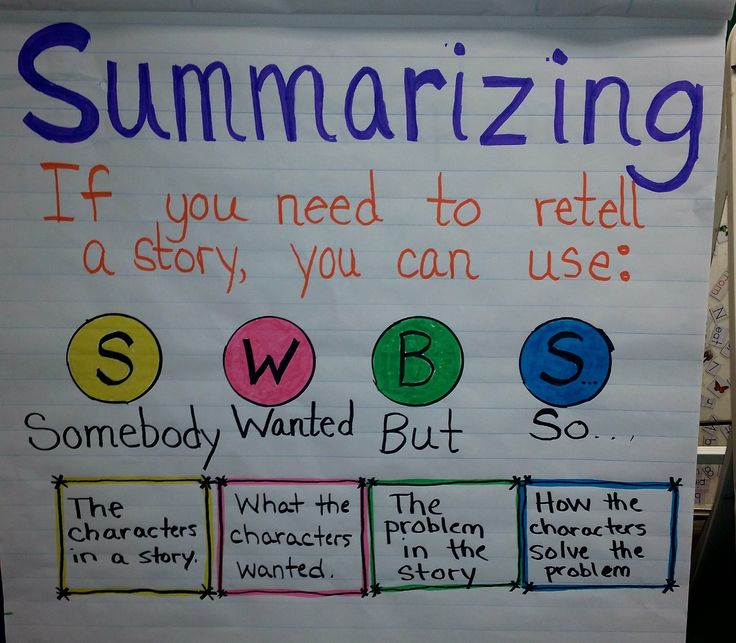
Effective AI-powered PDF summarization tools offer a range of customization options to ensure that generated summaries align closely with user needs and preferences. Tailoring summaries enhances relevance, readability, and focus, making the extracted information more actionable and suited to specific contexts, whether academic research, business analysis, or technical documentation.Adjusting the length, detail level, and focus areas within AI summarization settings allows users to control the scope and depth of the summary, thereby preventing information overload or omission of critical points.
This customization is particularly valuable when dealing with extensive or complex documents where only certain sections or key insights are of interest.Organizing summaries into structured formats such as HTML tables or blockquotes significantly improves clarity and accessibility. Visual organization helps users quickly identify key data points, comparisons, or critical highlights. Moreover, integrating user preferences into the summarization process ensures that the output remains relevant, personalized, and aligned with the specific objectives of the user.
Adjusting Length, Detail Level, and Focus Areas
Personalizing the output of AI PDF summaries begins with configuring the settings to match the desired outcome. Most AI tools provide options to set the summary length, which can range from concise highlights to comprehensive overviews. This can be achieved by specifying parameters such as the number of sentences, words, or percentage of the original document to include.The level of detail within summaries can also be fine-tuned.
Users seeking high-level insights may opt for a brief overview emphasizing major conclusions, while those requiring in-depth understanding can select more detailed summaries that preserve nuanced information. Focus areas can be prioritized by selecting specific sections of a document or by emphasizing s and themes relevant to the user’s objectives.For example, in a lengthy research paper, a user might set the summarization tool to produce a brief overview highlighting the methodology and key findings, while excluding detailed literature reviews.
Conversely, for a technical manual, the focus might be on operational procedures and safety instructions.
Organizing Summaries for Clarity
Presenting summaries in structured formats enhances comprehension and facilitates quick reference. Using HTML tables allows users to organize information into columns and rows, making comparisons or contrasting elements more straightforward. For instance, a summary of financial reports can be arranged into a table with headers such as “Revenue,” “Expenses,” “Net Profit,” and “Variance,” providing a clear snapshot of financial health.Blockquotes are particularly effective for emphasizing critical points or quotations within the summary.
They draw attention to key insights, recommendations, or definitions, making them stand out within a broader narrative. For example, a summarized legal document might include a blockquote highlighting the primary contractual obligation, ensuring it captures the reader’s focus.
Integrating User Preferences for Relevance
Incorporating user preferences into the summarization process ensures that the generated content remains aligned with individual or organizational goals. This can involve setting specific s, topics, or themes that the AI should prioritize or include. By doing so, summaries become more targeted and relevant, saving time and improving decision-making.Advanced AI tools also allow for feedback mechanisms, where users can rate or refine summaries iteratively.
This feedback loop helps the AI learn user preferences over time, tailoring future summaries to better meet expectations. Additionally, customizing the focus areas based on user roles—such as executives, researchers, or technical staff—can further enhance the utility of the summaries.In practice, this means that a project manager reviewing a project report can instruct the AI to emphasize financial metrics and deadlines, while a technical engineer might focus on operational details and troubleshooting steps.
Personalized summaries facilitate more efficient workflows and better-informed decisions.
Handling Different Types of PDF Documents
Effective summarization of PDF documents with AI requires a nuanced approach tailored to the specific nature of each document type. Academic papers, business reports, legal documents, and manuals each contain distinct structures, terminologies, and key sections that AI systems must recognize and prioritize. Understanding these differences is essential for designing accurate and meaningful summaries that serve the user’s needs, whether for quick reviews, in-depth analysis, or decision-making processes.
Incorporating specialized procedures for each document category enhances AI’s ability to extract relevant information efficiently. This involves training models with domain-specific data, leveraging contextual cues, and applying customized algorithms for content recognition. The following sections detail procedures, recognition strategies, and approaches suited to diverse PDF types, supported by a comparison table illustrating the tailored approaches for each category.
Procedures for Summarizing Academic Papers, Business Reports, Legal Documents, and Manuals
Given the varied structures and purposes of these documents, AI summarization procedures are adapted to focus on their core elements. Academic papers often have sections such as abstract, introduction, methodology, results, and conclusion, which AI can prioritize for summarization. Business reports typically include executive summaries, financial data, and strategic insights, requiring AI to recognize numerical and strategic content. Legal documents are characterized by precise language, clauses, and references that demand careful extraction of legal provisions and key stipulations.
Manuals contain step-by-step instructions, diagrams, and safety information, necessitating recognition of procedural and descriptive content.
To effectively handle these types, AI models employ techniques such as section header detection, emphasis, and semantic understanding. In academic papers, AI focuses on abstracts and conclusions to capture the essence. For business reports, financial figures and executive summaries receive priority. In legal documents, clause headings and references are emphasized, while in manuals, procedural steps and safety warnings are highlighted.
This targeted approach ensures that summaries are both concise and comprehensive, relevant to the document’s purpose.
Recognizing and Prioritizing Important Sections in Diverse Document Types
AI systems utilize a combination of natural language processing (NLP), machine learning, and pattern recognition to identify critical sections within various PDF documents. For academic papers, AI looks for structured cues like “Abstract,” “Introduction,” “Results,” and “Conclusion” to extract core ideas efficiently. Business reports benefit from recognition of sections labeled “Executive Summary,” “Financial Highlights,” or “Key Findings,” which typically contain summarized data and insights.
Legal documents often have numbered clauses, headings, and references to statutes or prior cases. AI trained with legal corpora recognizes these patterns to extract relevant legal provisions. Manuals rely on visual cues such as bullet points, numbered steps, bolded warnings, and diagrams, guiding AI to focus on procedural instructions and safety information. Prioritization is achieved through assigning weights to sections based on their relevance to the document’s primary purpose, ensuring that the most pertinent information is highlighted in the summary.
Comparison of Approaches for Various Document Categories
| Document Type | Key Sections Recognized | Approach to Summarization | Highlighting Techniques |
|---|---|---|---|
| Academic Papers | Abstract, Introduction, Results, Conclusion | Section header detection, semantic analysis of scientific terminology | Bold, italics, weighting |
| Business Reports | Executive Summary, Financial Data, Key Insights | Pattern recognition, numerical data extraction, relevance scoring | Numerical highlighting, strategic s |
| Legal Documents | Clauses, Articles, References, Definitions | Legal clause detection, reference matching, context analysis | Clause emphasis, legal terminology tagging |
| Manuals | Procedural Steps, Warnings, Diagrams | Step identification, visual cue recognition, safety statement extraction | Bullet points, bolded warnings, diagram descriptions |
Best Practices for Using AI Summarization Tools
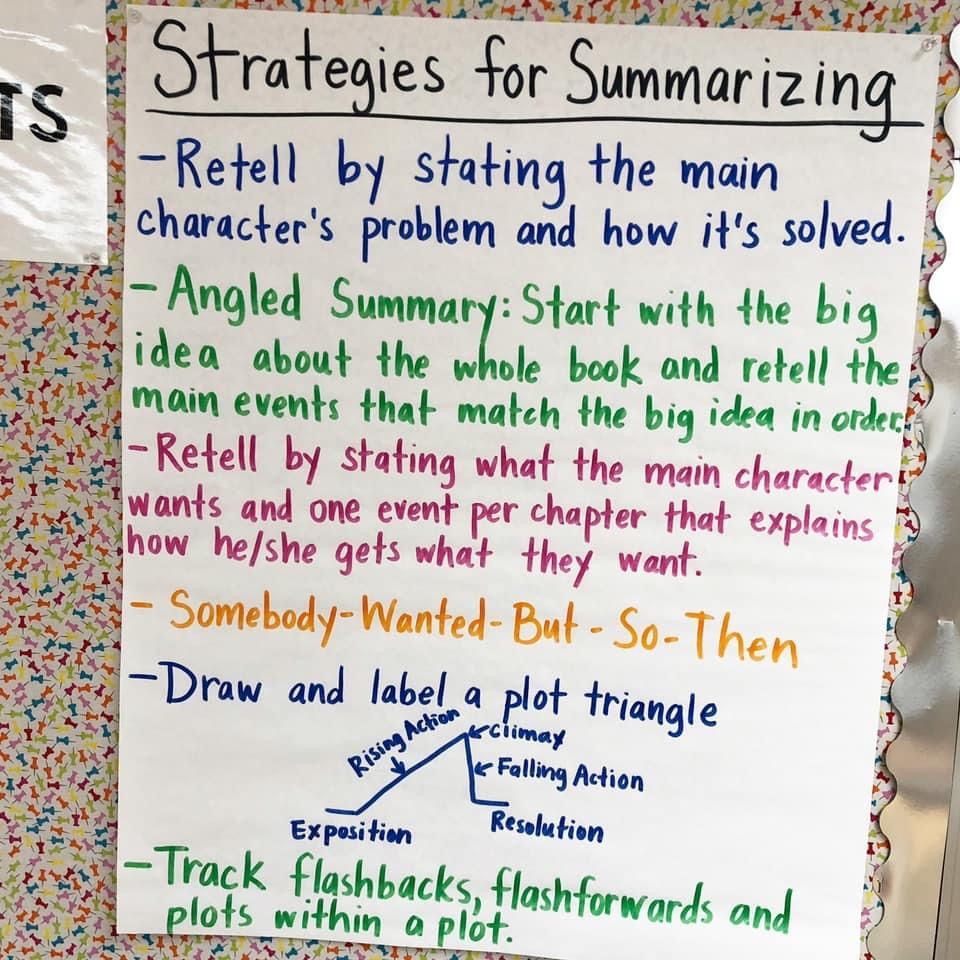
Effective utilization of AI-powered PDF summarization tools enhances the quality and reliability of the generated summaries. Proper preparation, diligent review, and validation are essential to leverage these tools optimally. Implementing best practices ensures that the summarized content accurately reflects the original document’s intent and key information, saving time and reducing potential errors.AI summarization tools can streamline information extraction from complex or lengthy PDFs; however, their effectiveness depends on how well the source files are prepared and how thoroughly the outputs are examined.
Adhering to established guidelines minimizes misunderstandings and enhances the overall value of the summarized data, particularly in professional, academic, or research contexts where precision is vital.
Preparing PDF Files for Optimal Summarization
Ensuring that the input PDFs are well-structured and clean significantly increases the accuracy of AI-generated summaries. This involves removing unnecessary elements, such as irrelevant annotations, watermarks, or background images that may interfere with text extraction. Converting scanned or image-based PDFs into searchable and selectable text using OCR (Optical Character Recognition) improves the AI’s ability to accurately interpret and condense information.Standardizing formatting, such as consistent heading styles, clear paragraph separations, and logical document flow, helps the AI identify key sections and main ideas more effectively.
Additionally, maintaining high-resolution scans and avoiding overly complex layouts, such as multi-column formats or embedded tables, reduces the likelihood of misinterpretation during content extraction.
Reviewing and Editing AI-Generated Summaries
While AI tools are highly capable, they are not infallible and may omit critical details or include irrelevant information. It is crucial to thoroughly review the summaries to confirm that all essential points from the original document are accurately captured. This process involves cross-referencing the summary with the original PDF to identify any gaps or inaccuracies.Editing AI-generated content ensures the summary aligns with the intended purpose, whether for quick reference, presentation, or decision-making.
Human oversight also allows for contextual adjustments, such as clarifying ambiguous statements or emphasizing particularly important findings that the AI might underrepresent.
Validation and Enhancement of Summarized Content
Implementing a systematic approach to validate and improve summaries enhances their reliability and usability. The following steps Artikel an effective workflow:
- Compare the summary against the original document: Verify that all major sections and key points are included and correctly represented.
- Check for completeness and accuracy: Ensure that important data, figures, or references are not missing or misinterpreted.
- Refine language and clarity: Edit the summary for readability, coherence, and conciseness, removing redundancies or ambiguities.
- Use highlighting and annotations: Mark critical information or sections that require further detail or review.
- Test the summary’s usefulness: Share it with colleagues or stakeholders to confirm it meets the intended informational needs.
- Update as necessary: Incorporate feedback and make iterative improvements to the summary for future use.
Employing these practices ensures that AI-generated summaries serve as accurate, comprehensive, and efficient representations of the original PDFs, supporting informed decision-making and effective knowledge dissemination.
Security and Privacy Considerations
As organizations and individuals increasingly rely on AI tools to process and summarize PDF documents, safeguarding sensitive data becomes paramount. Ensuring robust security and privacy measures helps prevent unauthorized access, data breaches, and compliance violations, thereby maintaining trust and integrity in the entire process.
Handling confidential or proprietary information demands a comprehensive approach to data protection. This involves implementing secure data transmission protocols, understanding the data handling policies of AI service providers, and adhering to legal standards such as GDPR or HIPAA. By establishing these practices, users can confidently utilize AI summarization tools without compromising privacy or risking legal repercussions.
Key Security Measures and Best Practices
Implementing effective security protocols involves a combination of technical safeguards, procedural guidelines, and organizational policies. The following table summarizes essential measures to ensure data confidentiality when uploading and processing PDFs with AI tools:
| Security Measure | Description |
|---|---|
| Data Encryption | Ensure that all data transmitted to and from the AI platform is encrypted using secure protocols such as TLS. This prevents interception by malicious actors during data transfer. |
| Secure Storage | Use AI tools that store uploaded documents in secure, access-controlled environments. Prefer services that delete data promptly after processing to minimize storage risks. |
| Access Controls and Authentication | Limit access to the AI tools and uploaded data through strong authentication methods, such as multi-factor authentication and role-based permissions, to prevent unauthorized usage. |
| Data Anonymization | When possible, anonymize sensitive information within PDFs before uploading. This reduces the risk if data is unintentionally exposed during processing. |
| Compliance with Data Protection Standards | Select AI providers that comply with relevant privacy regulations (e.g., GDPR, HIPAA). Review their privacy policies to ensure that data handling aligns with legal and organizational standards. |
| Regular Security Audits | Conduct periodic assessments of the AI tools and workflows to identify vulnerabilities and ensure ongoing adherence to security best practices. |
| User Training and Awareness | Educate users on secure data handling, recognizing phishing attempts, and the importance of confidentiality when working with sensitive PDFs. |
Adhering to these security measures not only protects sensitive information but also enhances trust and compliance, essential for organizations handling confidential or regulated data.
Final Thoughts
In conclusion, mastering how to summarize PDF documents with AI empowers users to handle large volumes of information efficiently. By choosing the right tools, applying effective techniques, and adhering to best practices, you can enhance your productivity and ensure the relevancy and accuracy of your summaries. Embracing these methods leads to smarter, quicker decision-making in professional and academic contexts.